
 New: Official Simkl integration — auto-sync your activity to Simkl
Track Movies & TV Shows
Without the Clutter.
Manage watchlists, track episode progress, and explore a massive catalog. No intrusive ads, no account walls, zero bloat.
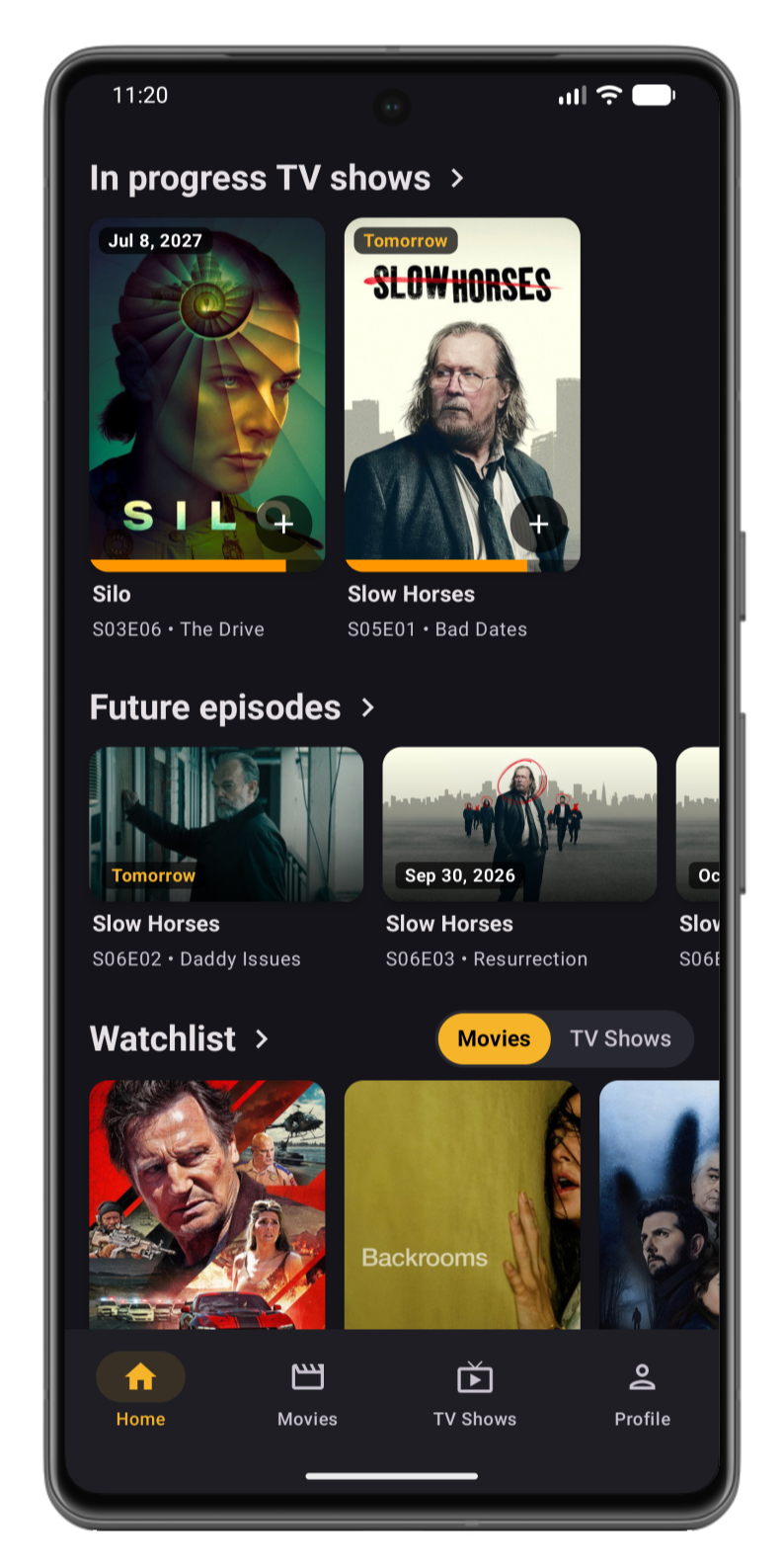
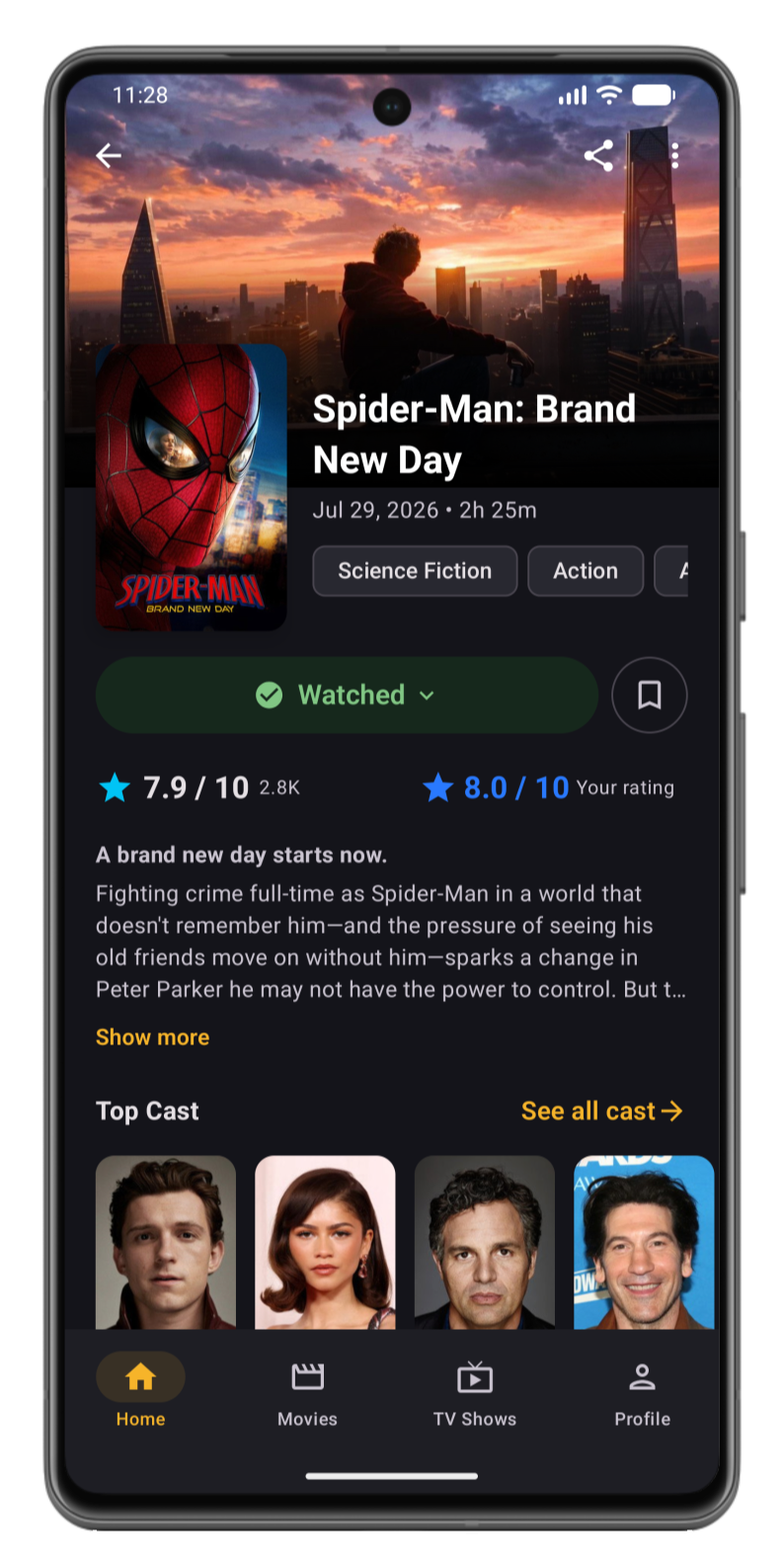
Local-First & Fast
Instant startup, low battery usage, and full offline support with zero sluggish network waits.
100% Private & Ad-Free
No ad trackers, no intrusive banners, and no forced account creation required. Ever.
Optional Cloud Backup
Track offline by default, or sign in with Google whenever you want instant multi-device sync and cloud backups.
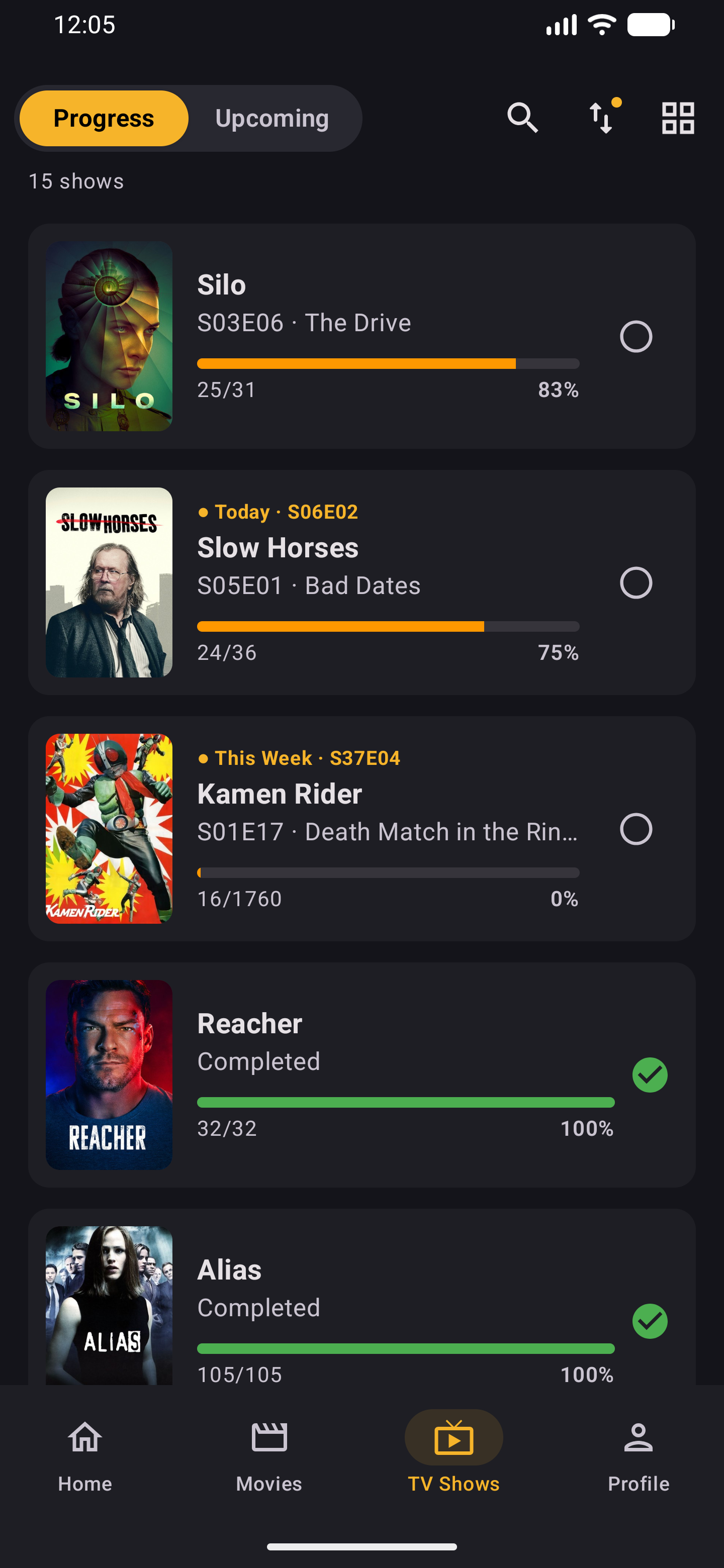
Track Series Progress with One Tap
Organize your active backlog into an actionable queue with clear completion status and instant checkoffs.
One-tap checkoffs
Mark single episodes or full seasons completed in a single tap.
Visual progress bars
See completion percentages and remaining episodes at a glance.
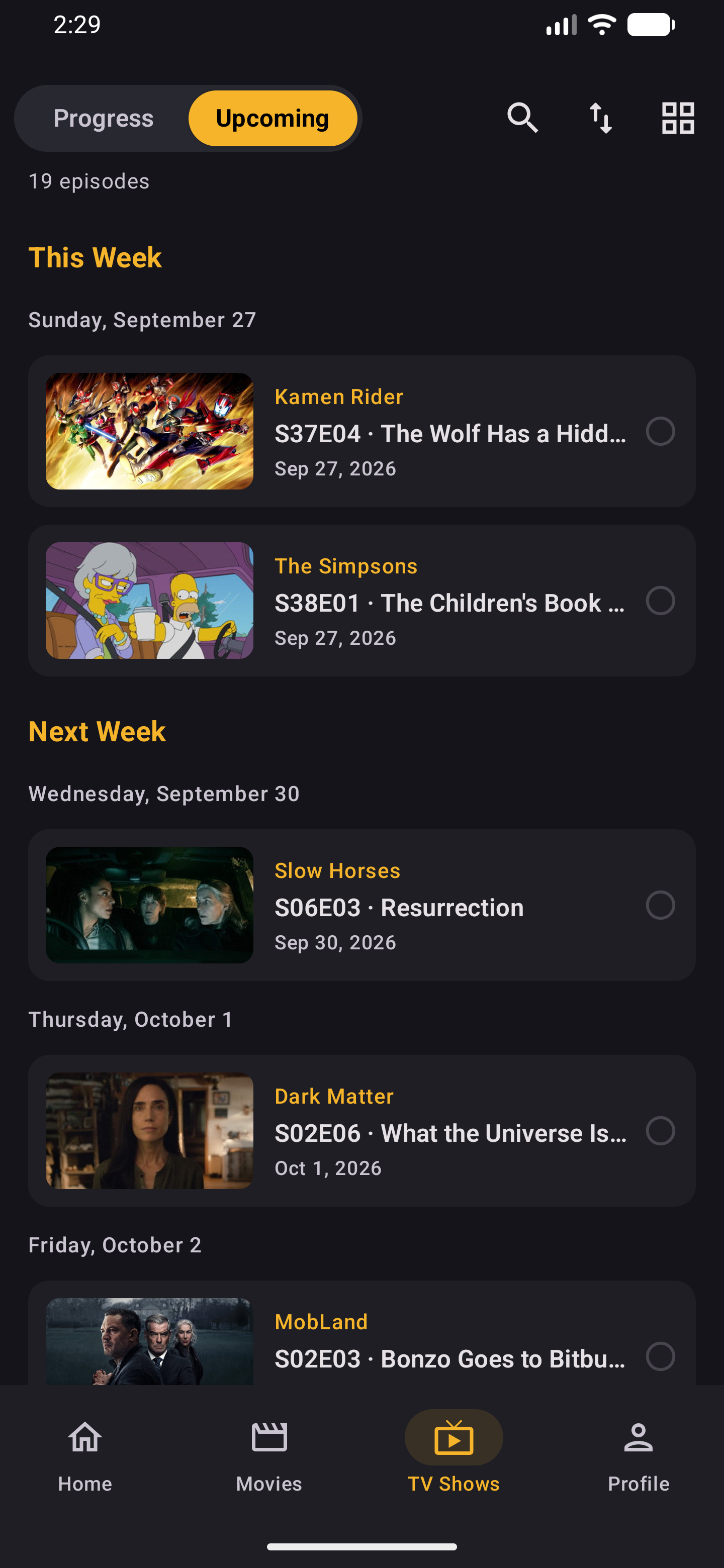
Know Exactly What Airs Tonight
Track upcoming episode drops and season premieres with a personal chronological broadcast schedule.
Release calendar
Browse upcoming air dates organized by day, week, and month.
Premiere countdowns
Track upcoming releases with exact countdown timers for every show.
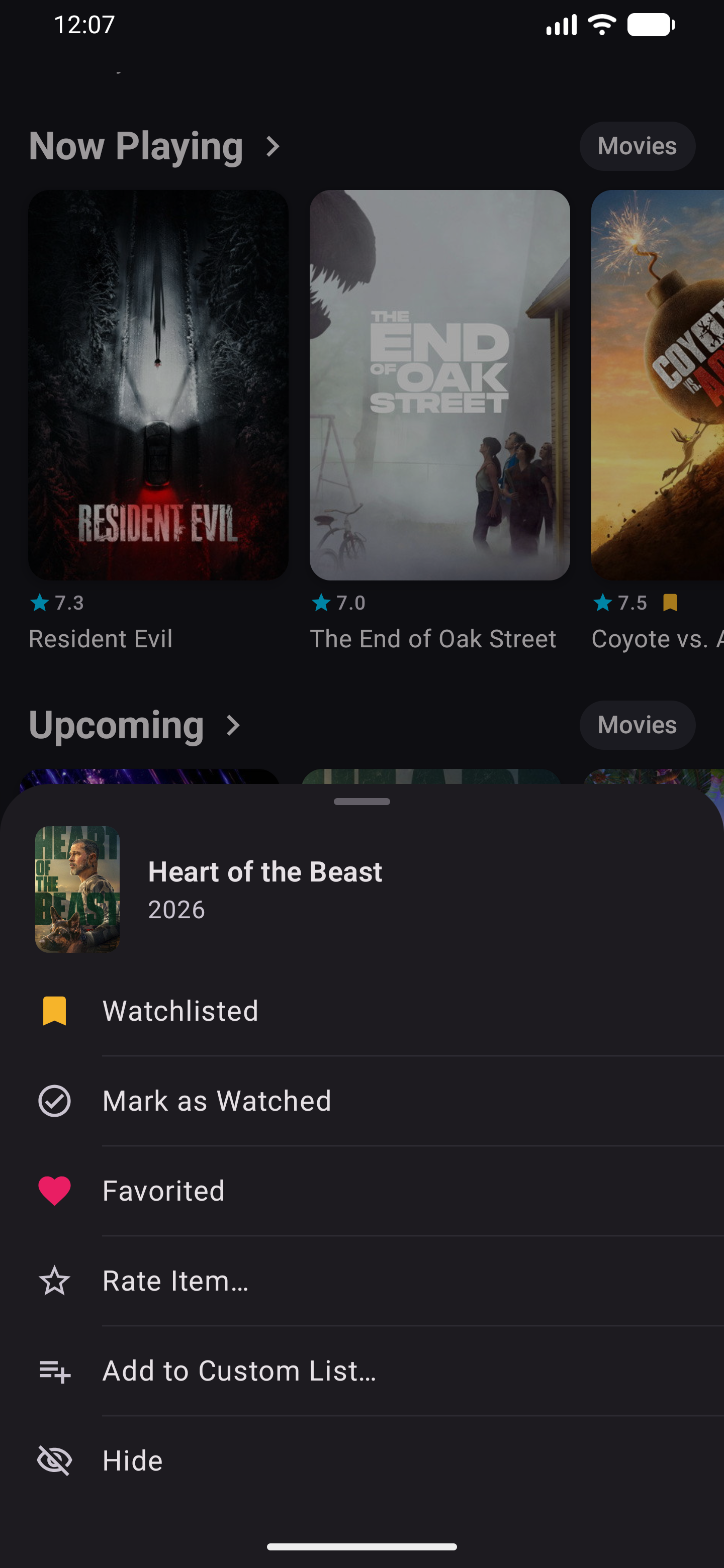
Instant Gesture Controls for Your Watchlist
Update watch status, ratings, and lists instantly with a quick touch-and-hold anywhere.
Universal long-press
Log titles directly from your home feed, search, or backlog.
Zero navigation friction
Update your library on the fly without loading separate detail pages.
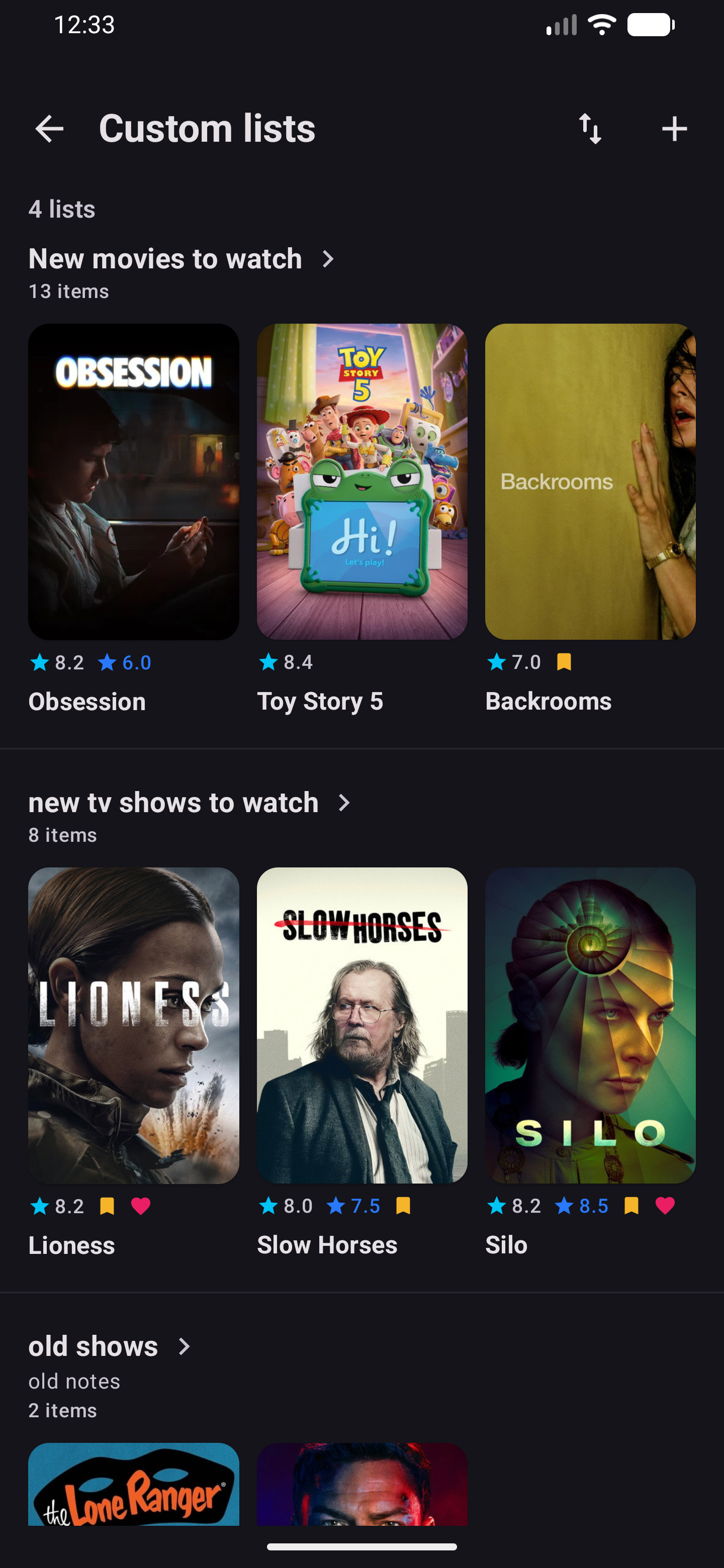
Build and Organize Custom Collections
Go beyond generic watchlists by grouping films and series into tailored marathons and libraries.
Visual cover stacks
Browse collections displayed in clean, high-density poster stacks.
Flexible sorting
Reorder titles instantly by release date, rating, or personal criteria.
Why Choose CineVibe - Android TV & Movie Tracker
Ad-free, offline-first, and private by design. No bloat, no account walls.
100% Ad-Free
No popups, banner ads, or sponsored placements cluttering your feed.
No Account Required
Start tracking on launch. Zero forced sign-ups, logins, or paywalls.
Local-First Speed
Instant startup and fluid browsing with responsive offline local caching.
Private Notes
Keep personal impressions and memorable quotes stored safely on your device.
Visual Custom Lists
Curate tailored collections, themed marathons, and backlogs your own way.
Import from Other Apps
Easily bring your existing watch history over from supported export files.
Live Sync with Simkl
Connect your Simkl account in CineVibe for automatic sync. Every movie or episode check-in, rating, and list change in CineVibe updates your Simkl profile in real time.
Real-Time Sync to Simkl
TV Shows & Movies
Instant 1-Tap Account Connect
Bring Your Watch History with You
Switching trackers shouldn’t mean starting over. Bring your watched history, ratings, and watchlist from other apps seamlessly.

Ratings and watchlist CSV exports

Full watch history, ratings, and custom lists

Watched films, diary logs, ratings, and likes

Import previously saved GDPR ZIP or CSV
TV shows, movies, and watch history

Watched episodes, series progress, and movie lists

Series progress, episodes, ratings, and favorites

Refract 3.0 backup archives and diary logs

Full watch history, queue, ratings, and custom lists

Watched series progress, movie diary, and lists

Episode milestones, watchlist, and rating exports

Full TV show & movie backups, ratings, and progress
100% Private & Duplicate-Free
All files are processed privately on your phone. You can import new backups anytime without creating duplicate entries or losing your place.
Frequently Asked Questions
Everything you need to know about CineVibe, data privacy, and how it works.
Is CineVibe completely free to use?
Do I need to create an account to start tracking?
Can I import my data from other tracking apps?
Where does CineVibe source its movie and TV information?
Does CineVibe sync with Simkl?
Your favorite shows, organized in seconds.
Track air dates, discover new releases, and keep your history in sync. Free on Android.